
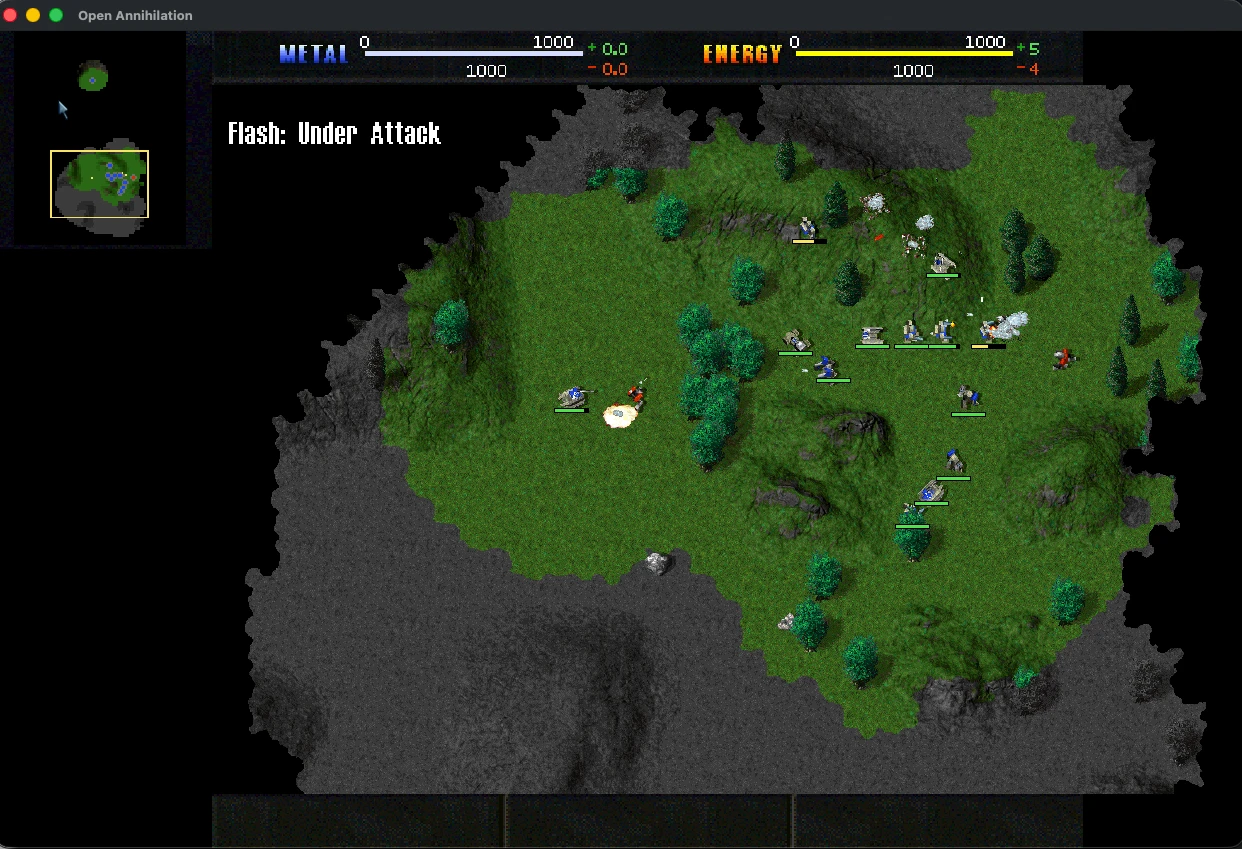
Open Annihilation now pauses a solo battle when you switch to another window, then resumes it when you return. The free Total Annihilation engine's 0.8.9 update, released October 31, also changes how Mac players get future versions.
The pause is on by default for single-player and skirmish games. Players can let the game keep running instead through the new “When the window loses focus” setting under Controls. A pause you choose yourself stays in place until you resume play. Multiplayer matches keep running.
Mac players already using 0.8.7 or 0.8.8 need to install the 0.8.9 package by hand once. After that, the release notes say the game can update itself in place, including copies installed through the Mac package.
When replacing the app needs admin approval, macOS handles the password prompt. Canceling it keeps the installed version. The game itself runs without admin rights. A failed install should also return players to their existing game rather than leave them on the setup screen.
The rollback option added in Open Annihilation 0.8.7 keeps the previous engine and its settings available if an update needs to be undone.
The new release follows 0.8.8's work on the rotating 3D view. The project says turning the camera no longer stutters. It also stops sending the graphics card all its textures every few frames. The project reports about 10 times faster drawing than 0.8.7 in one 550-unit battle on Lava Highground, viewed at a low angle. Its test used an Apple M5 at 1512 by 917 pixels with the Full graphics tier. That result covers this single setup.
Version 0.8.8 also added a check before downloading a multiplayer host's map. It explains missing content, such as an expansion that is switched off. The Windows build also fixes a crash caused by some file or folder names. The notes give Chinese and Cyrillic user names as examples.
Open Annihilation needs an installed copy of Total Annihilation with the 3.1 update, or the free 1997 demo. It ships without game data.